Your Commands, One Click Away.
Beautifully simple access to system controls and automations from your menu bar.
Powerful Capabilities
Everything you need to
Master your Mac.
Menu bar utilities with a minimal footprint.
Full control when you need it—without the clutter.
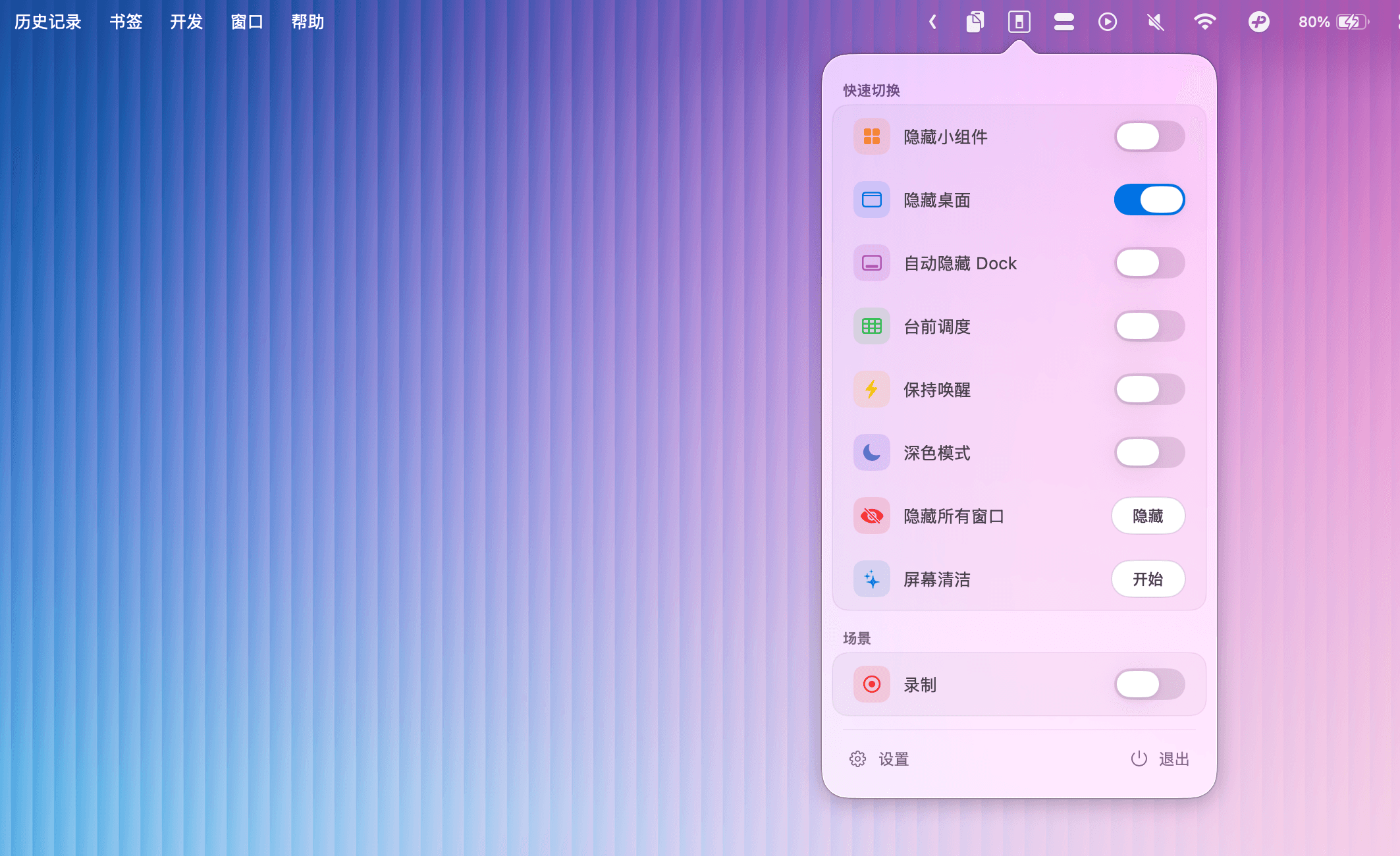
Instant Toggle Switching
Switch between system states instantly. From Hide Desktop Icons to Stage Manager, control every aspect of your workspace with a single click from the menu bar.
Custom Shortcuts
Map any switch or action to global keyboard shortcuts for peak productivity.
Ultra Lightweight
Uses less than 15MB of RAM. You won't even notice it's running—until you need it.
CPU Efficiency
Native Apple Silicon Support
Built from the ground up using Swift and SwiftUI. Fully optimized for M1, M2, and M3 chips for unparalleled speed and energy efficiency on your MacBook.
Menu Bar Integration
Beautifully resides in your menu bar. Access everything without switching windows or interrupting your creative flow.
Automation Support
Connect with Shortcuts app and AppleScript. Trigger EasySwitch actions based on location, time, or system events.
Unlock Full Control of Your Mac
One-time purchase. No subscriptions. No hidden fees. Lifetime updates for one great price.
Lifetime License
Own it forever on all your Macs.
- Unlimited custom switches
- Advanced automation triggers
- System-wide keyboard shortcuts
- Priority support & lifetime updates
- Activate on up to 2 Macs
Frequently Asked Questions
Everything you need to know about EasySwitch and how to make the most of it.